Creating a Carousel in Photoshop
BY DAISY MERAZ
I love Instagram - but on occasion I find it difficult to showcase my photos without loosing quality, artistic style or even worse - having a limit on photo count. For this reason I also love Carousels! They allow us to customize our display of photos in a very artsy way. Plus there is something about seamlessly swiping through the photos that just elevates the experience.
As much as I would love to take credit for this mastermind idea of using photoshop instead of an app - I cannot. I owe it to this amazing blog I found while on a desperate search. I remember searching the web for easy apps without subscription fees and creative restrictions. But alas! I found a very helpful blog that has guided me through step by step in photoshop!
The blog is linked below! But please take my suggestions: Take your time and practice until you feel comfortable. Bookmark this page or the blog itself. Create a template for yourself! Very important last step! This template should be sort of like a "master" file that you do not save over. This will streamline your process of Carousel making goodness. Your welcome! ha :)
Read the entire Blog here!
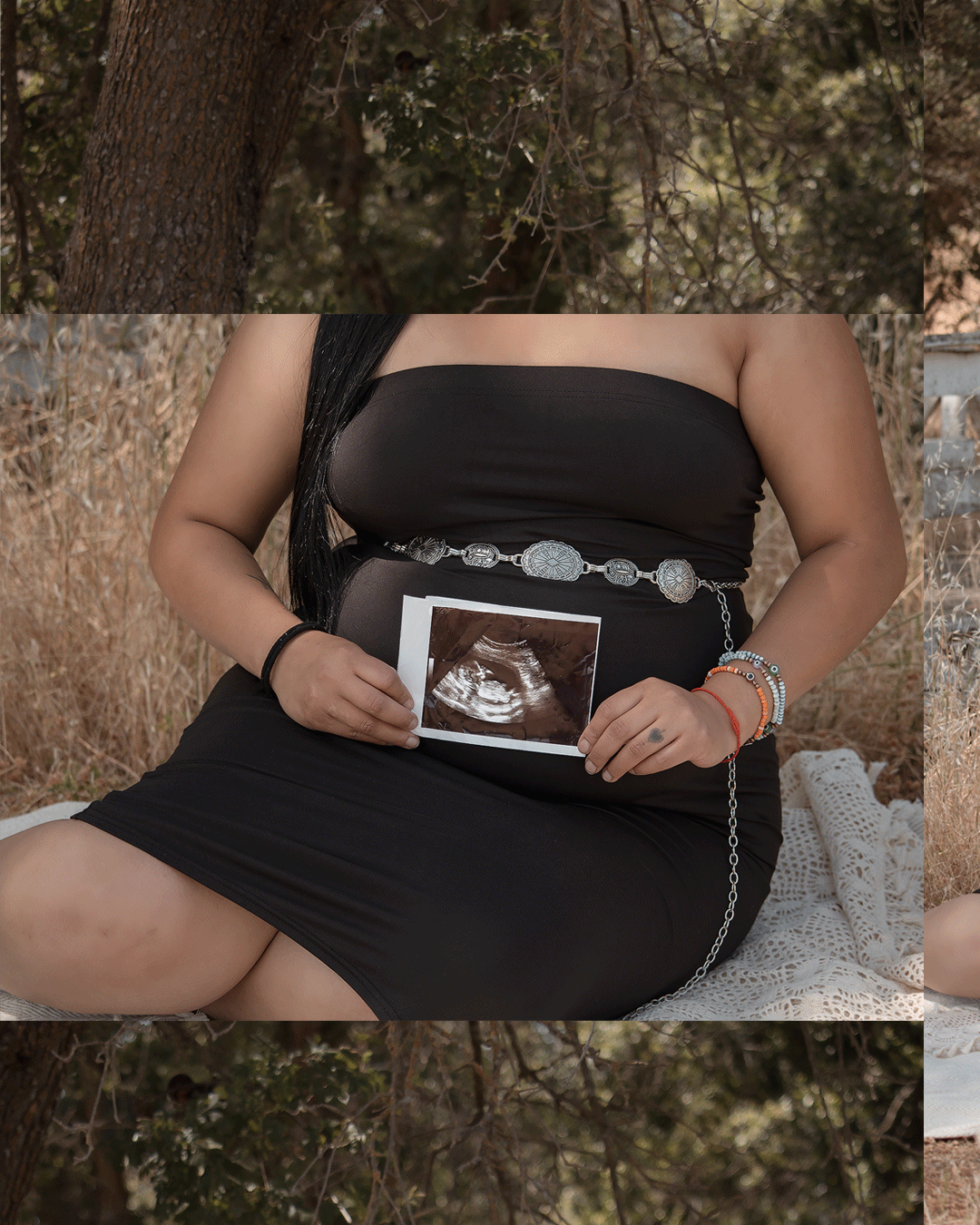
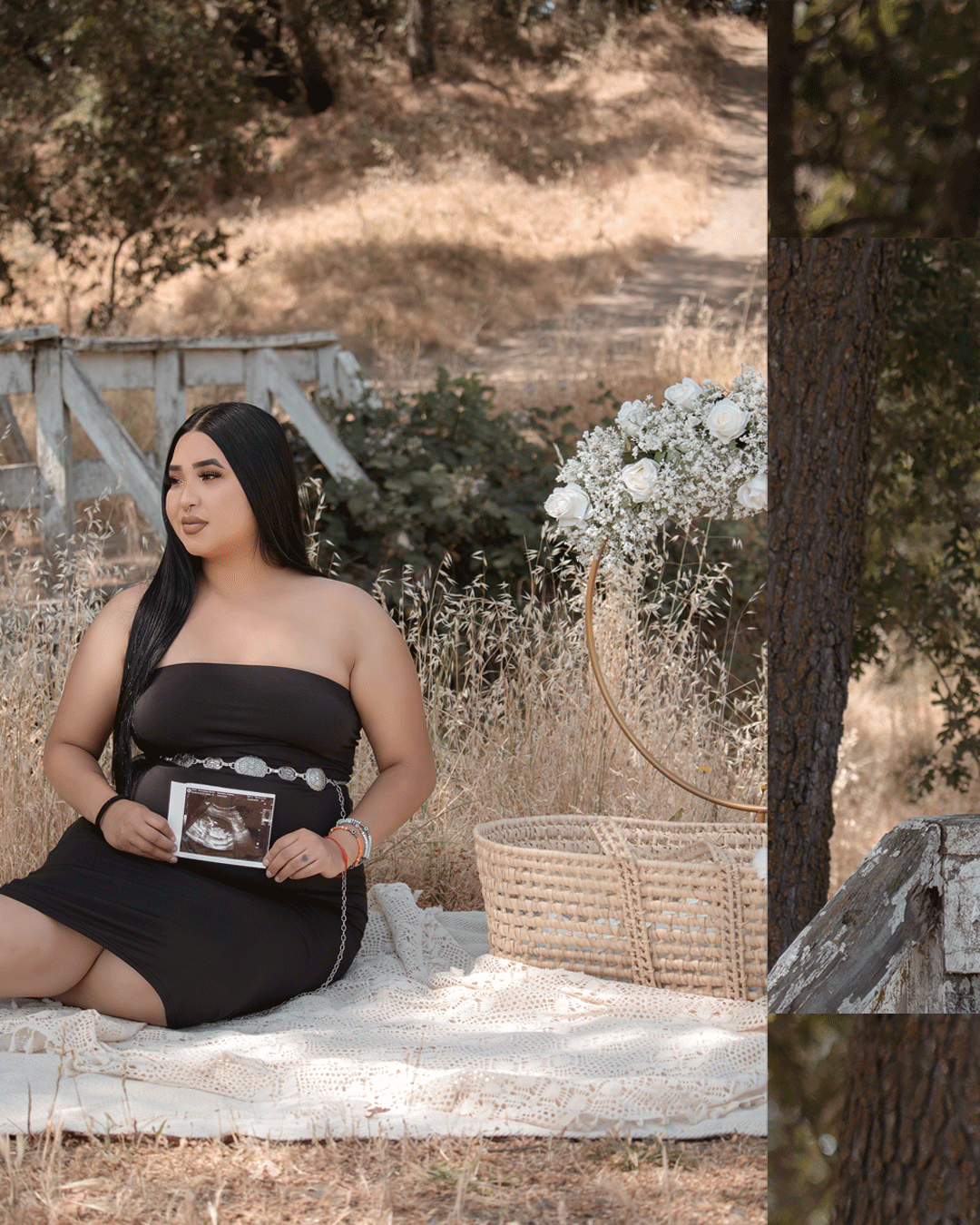
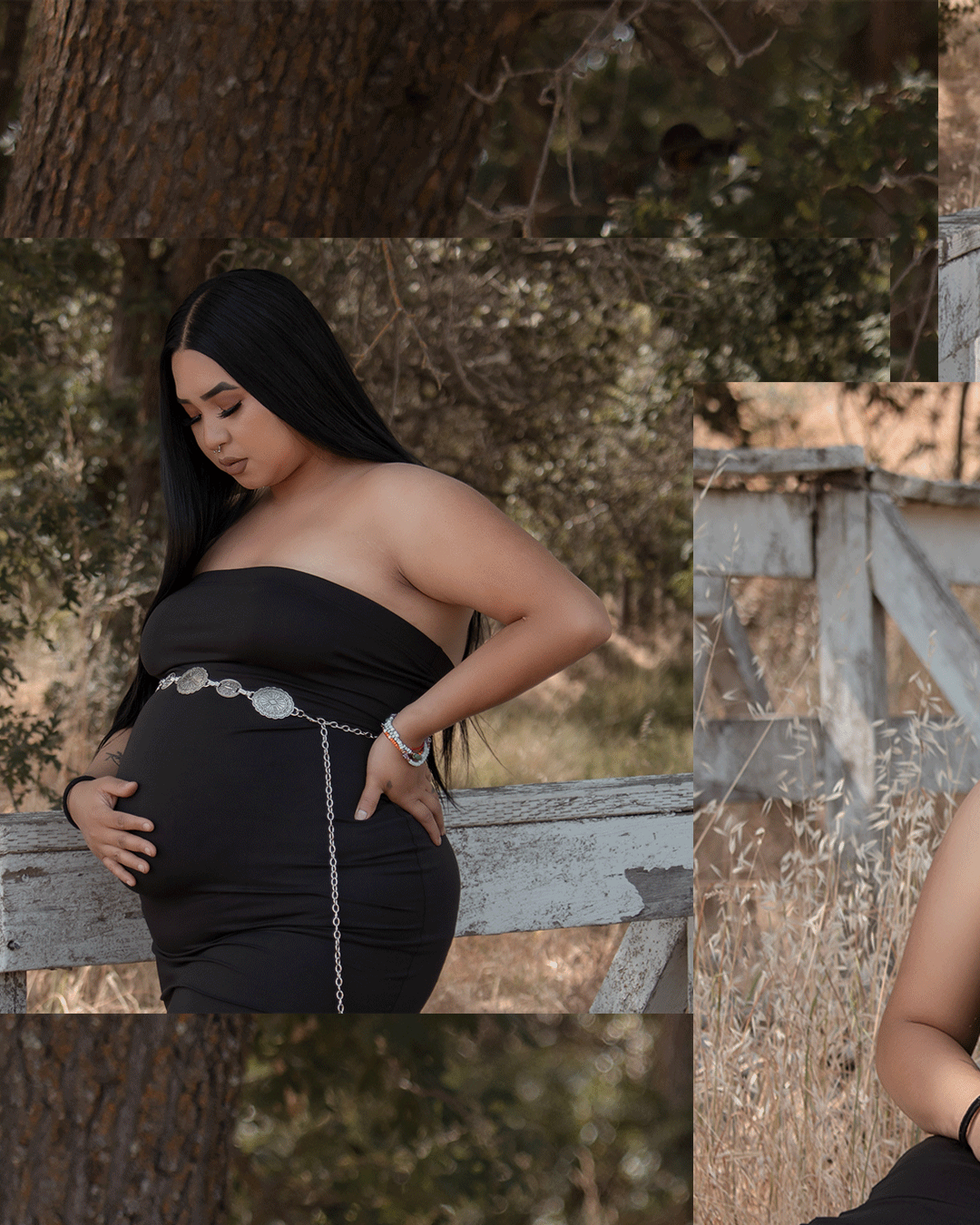
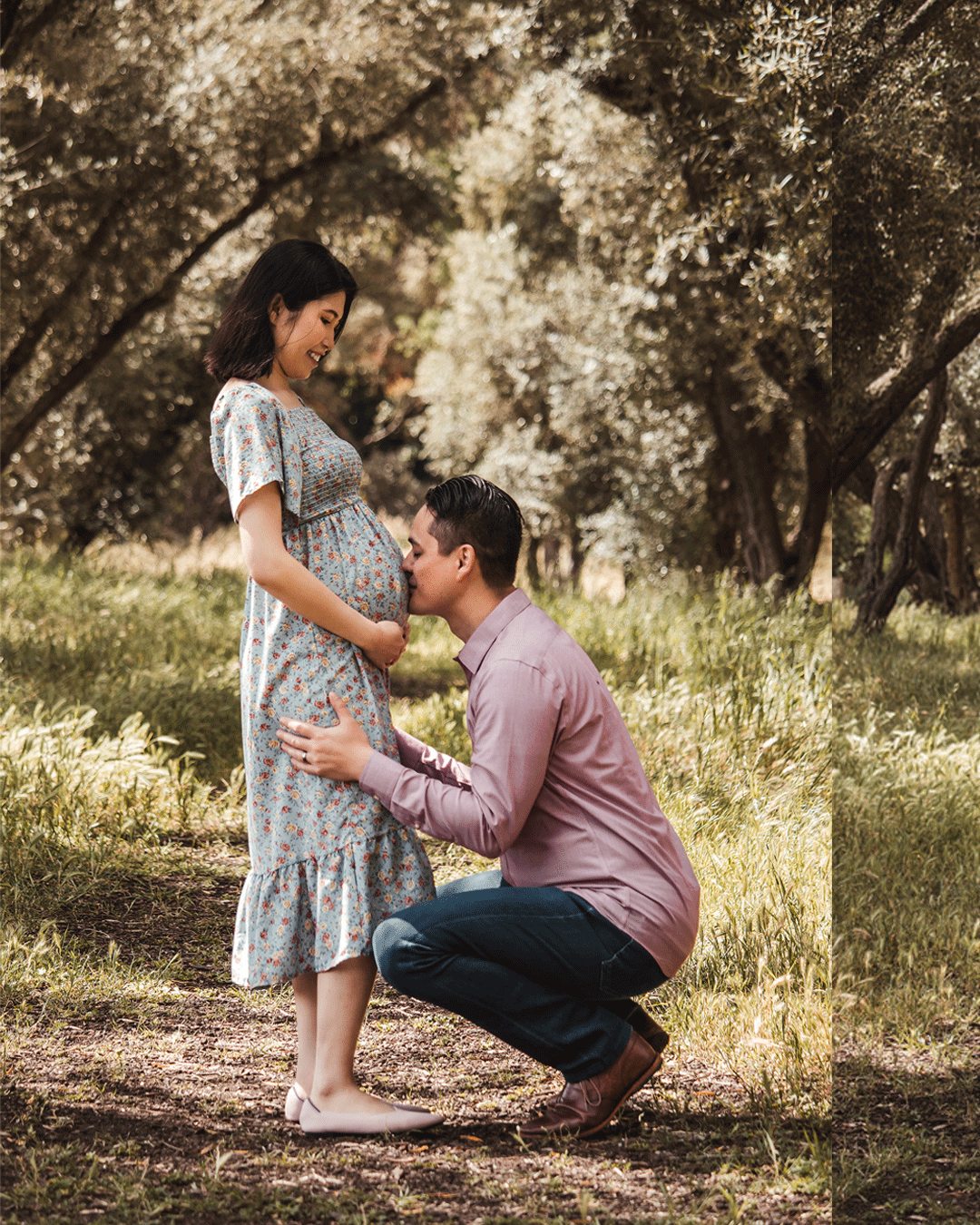
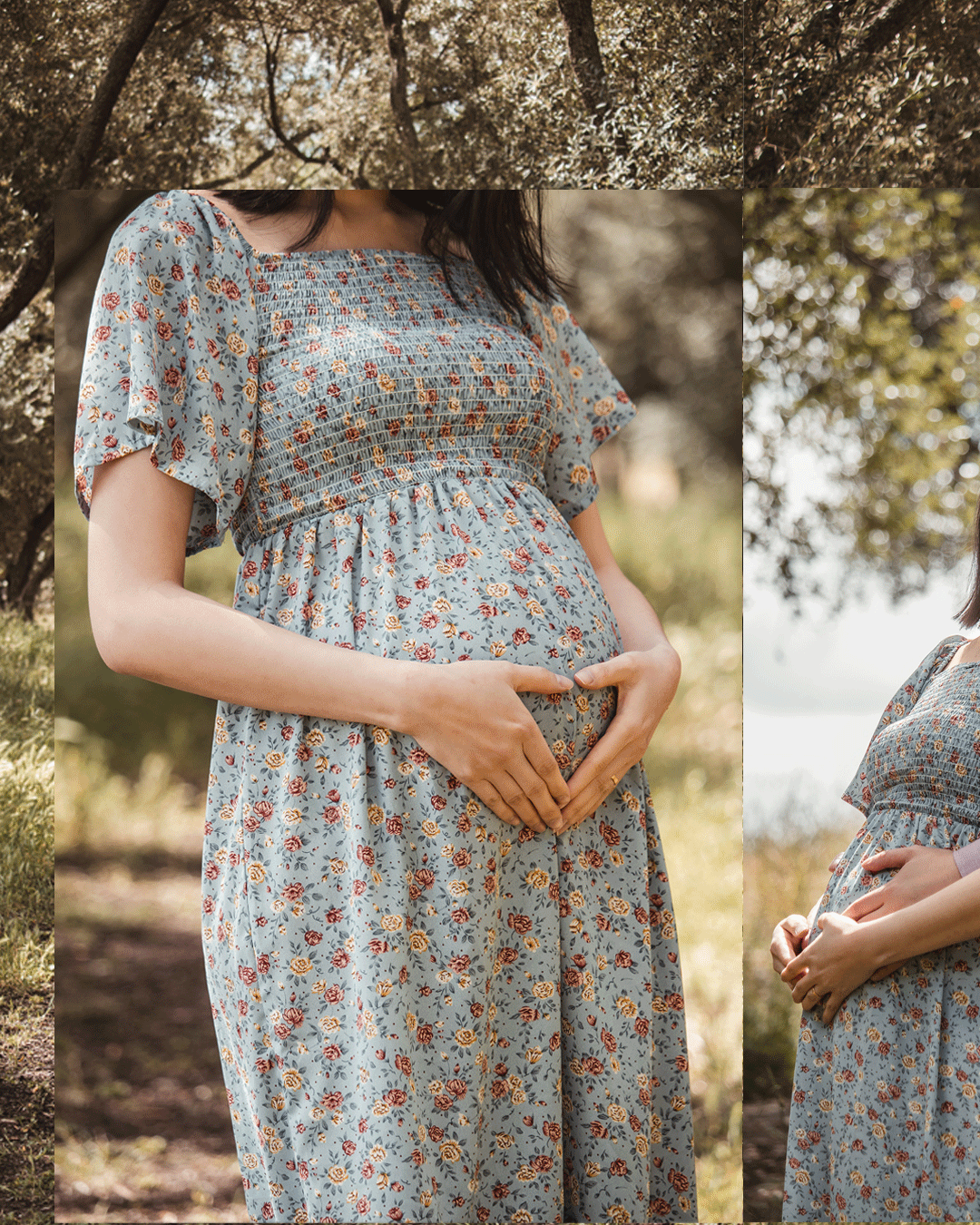
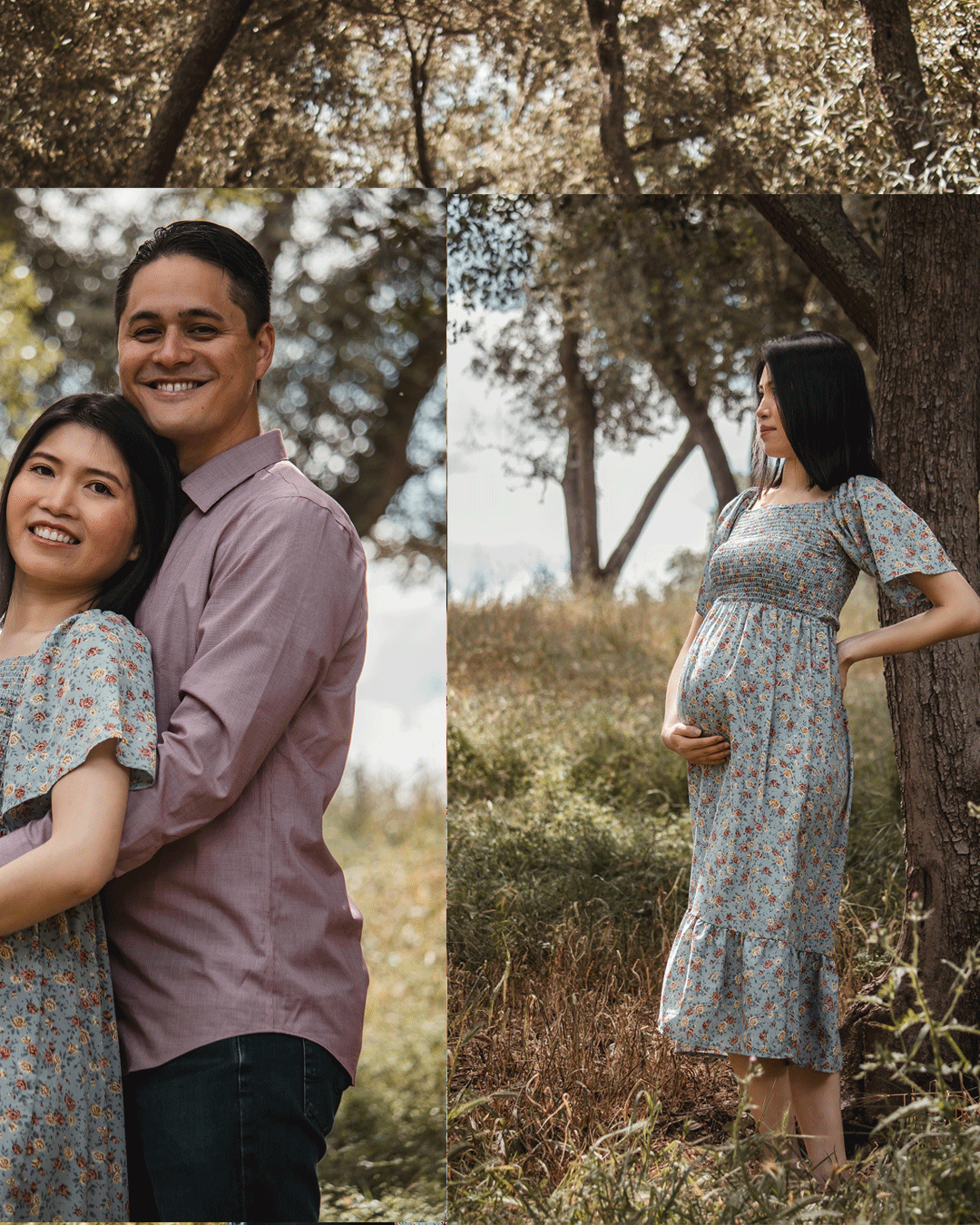
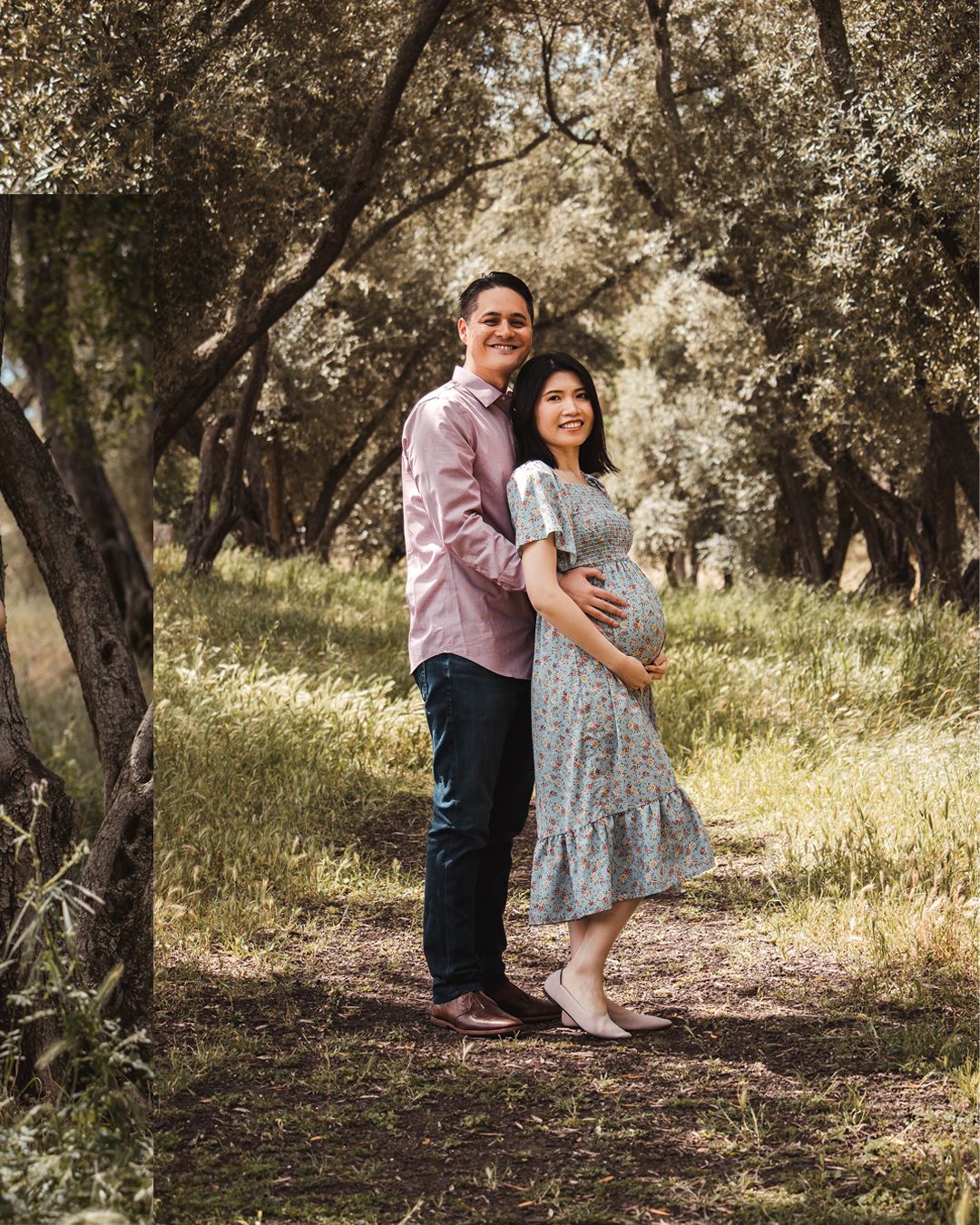
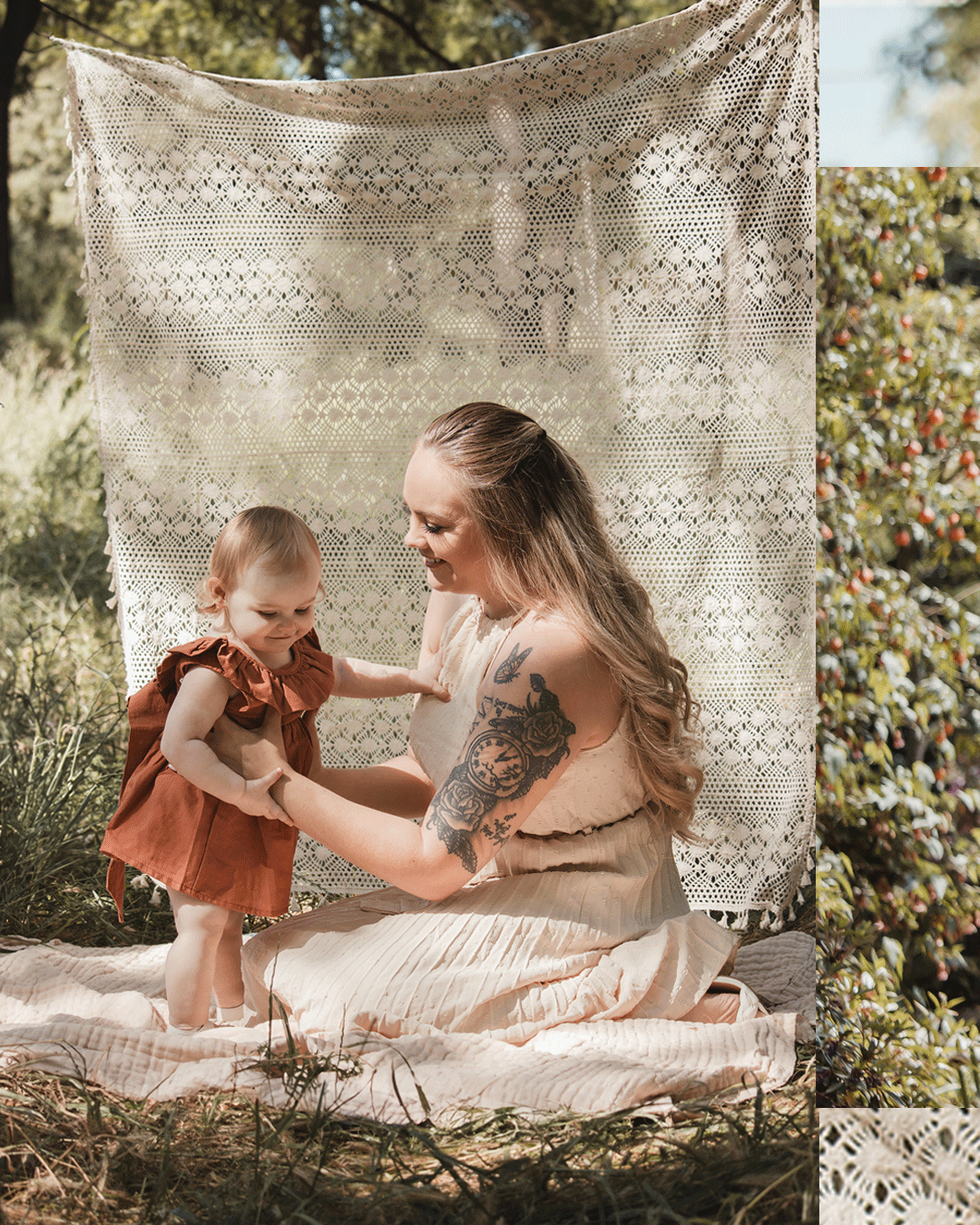
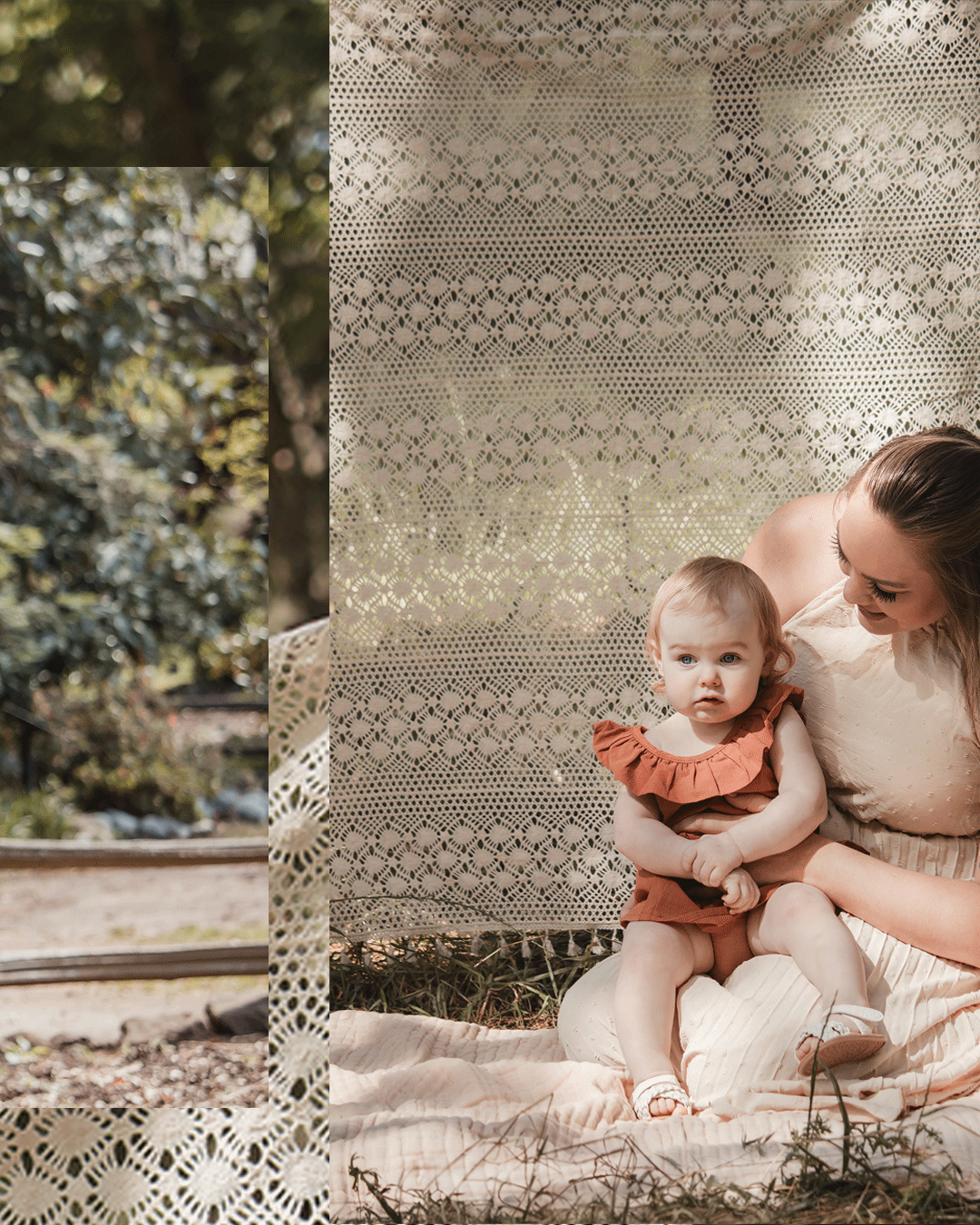
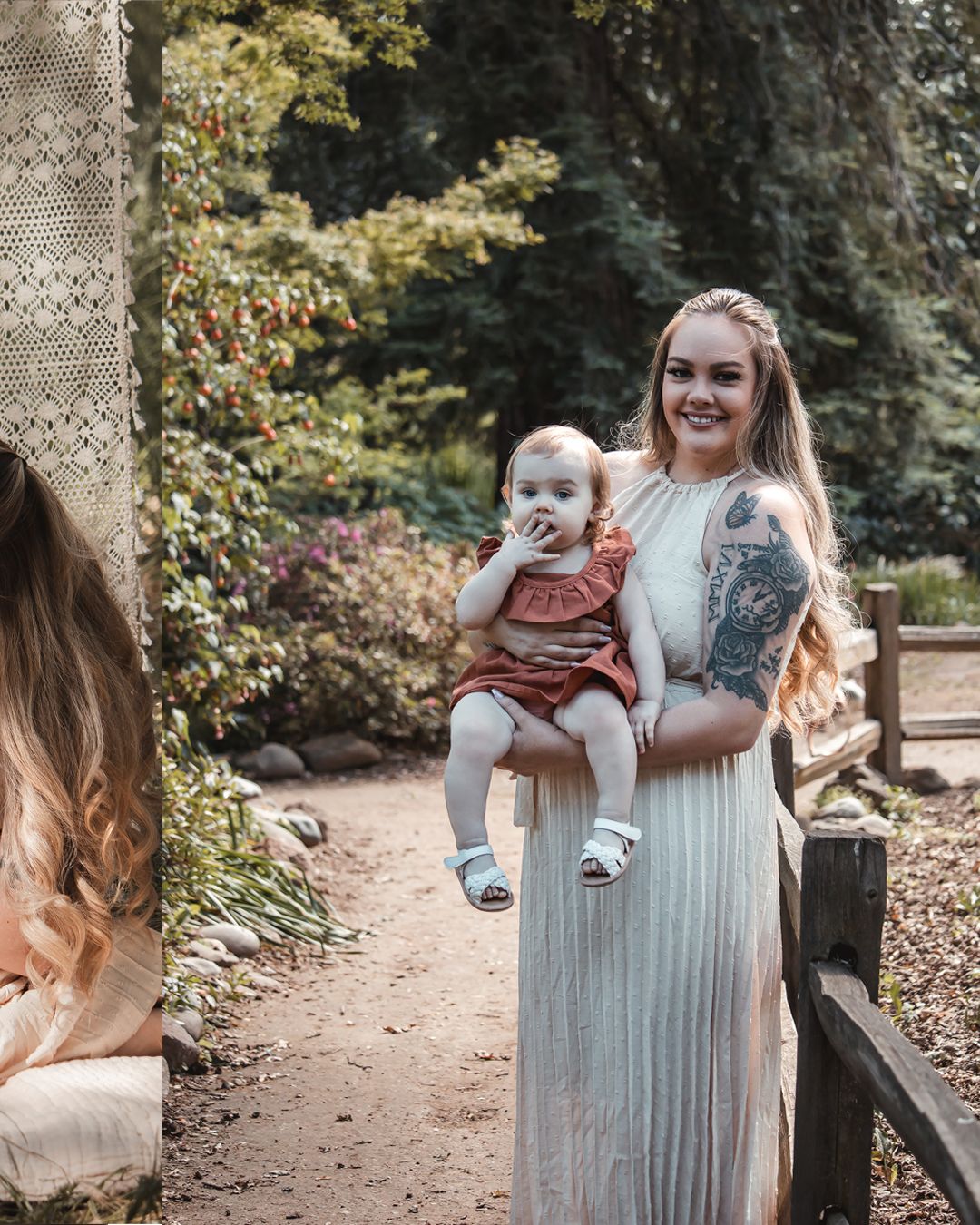
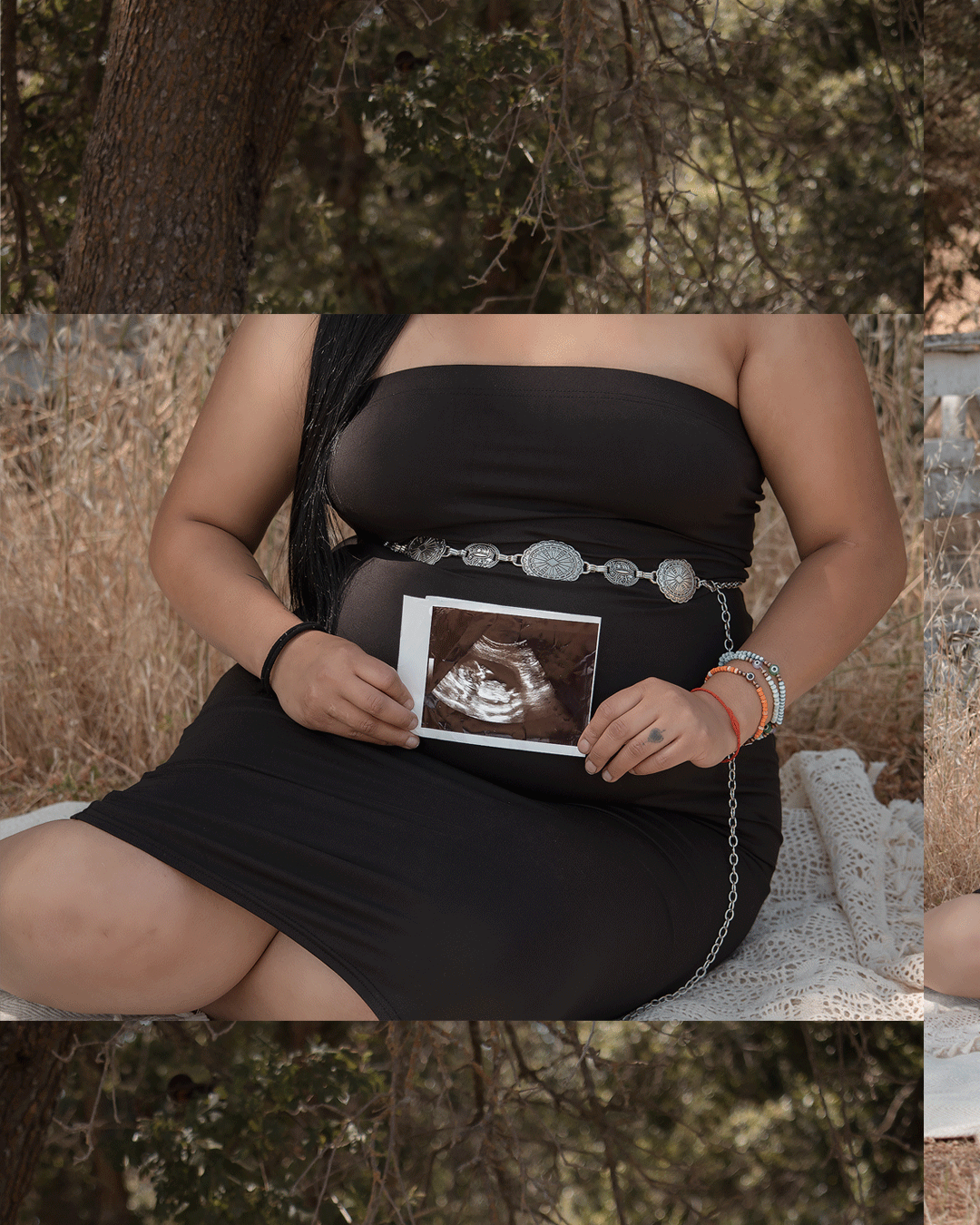
Below are some of my own Carousel creations I made thanks to this amazing blog.